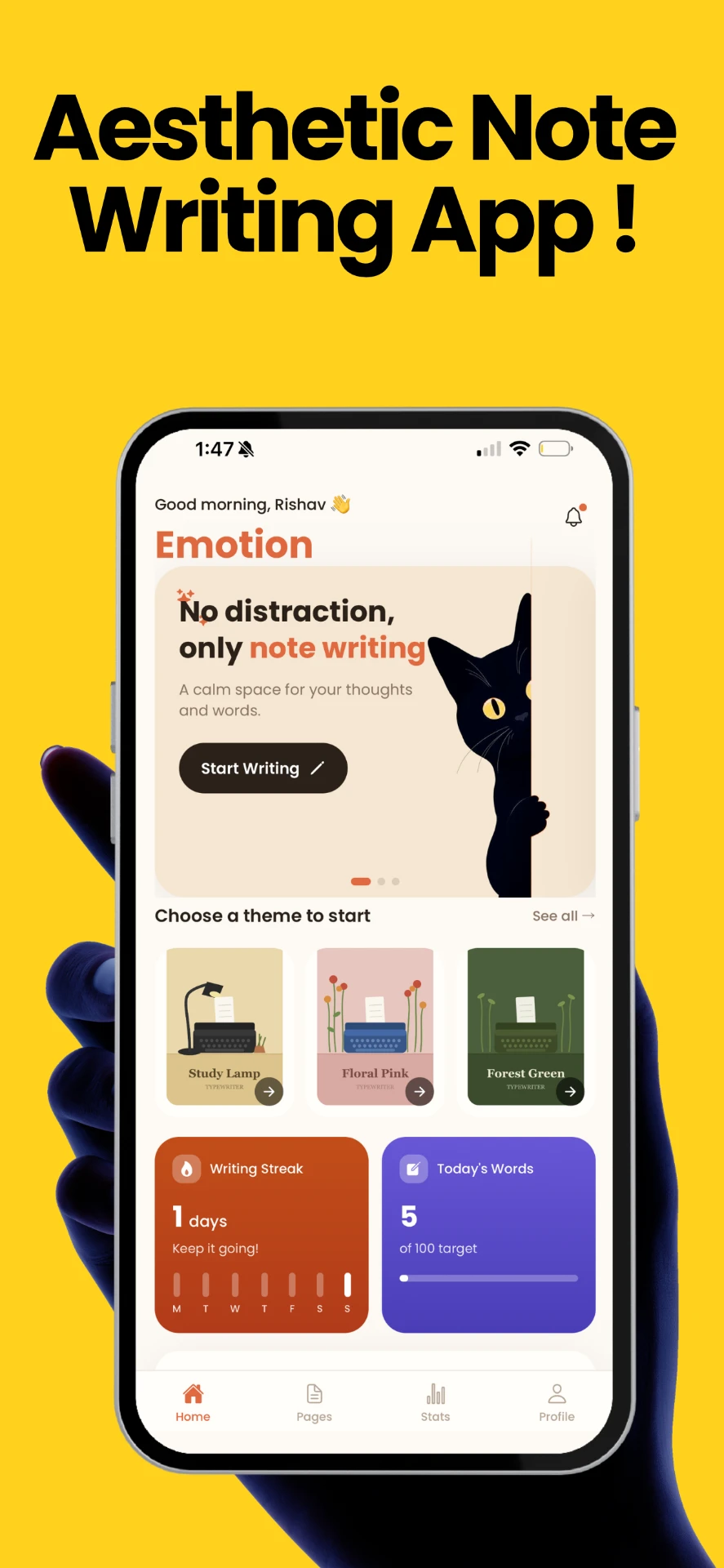
No distraction, only note writing.
Emotion is a calm, offline typewriter journal for iOS. This page covers everything you need — from setup questions to privacy details.
What is Emotion?
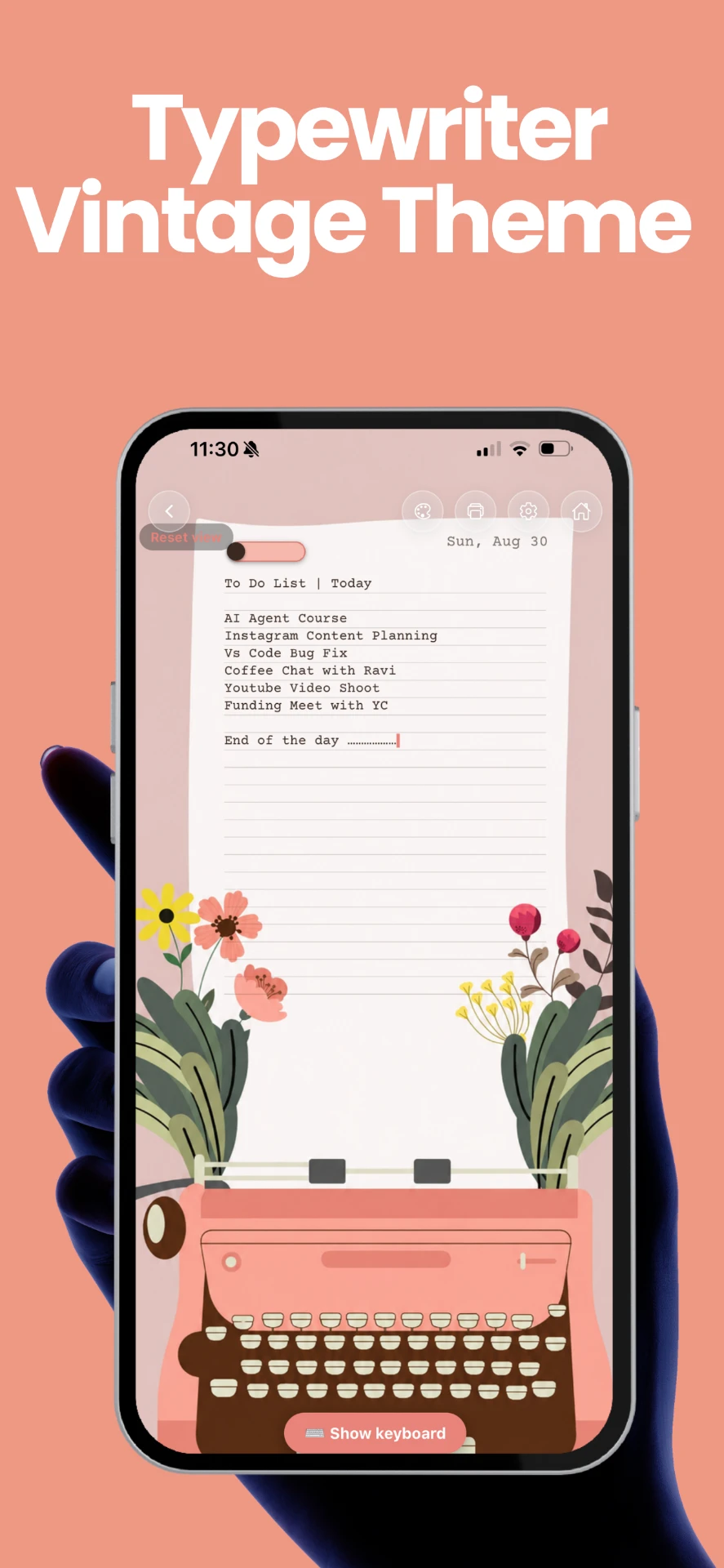
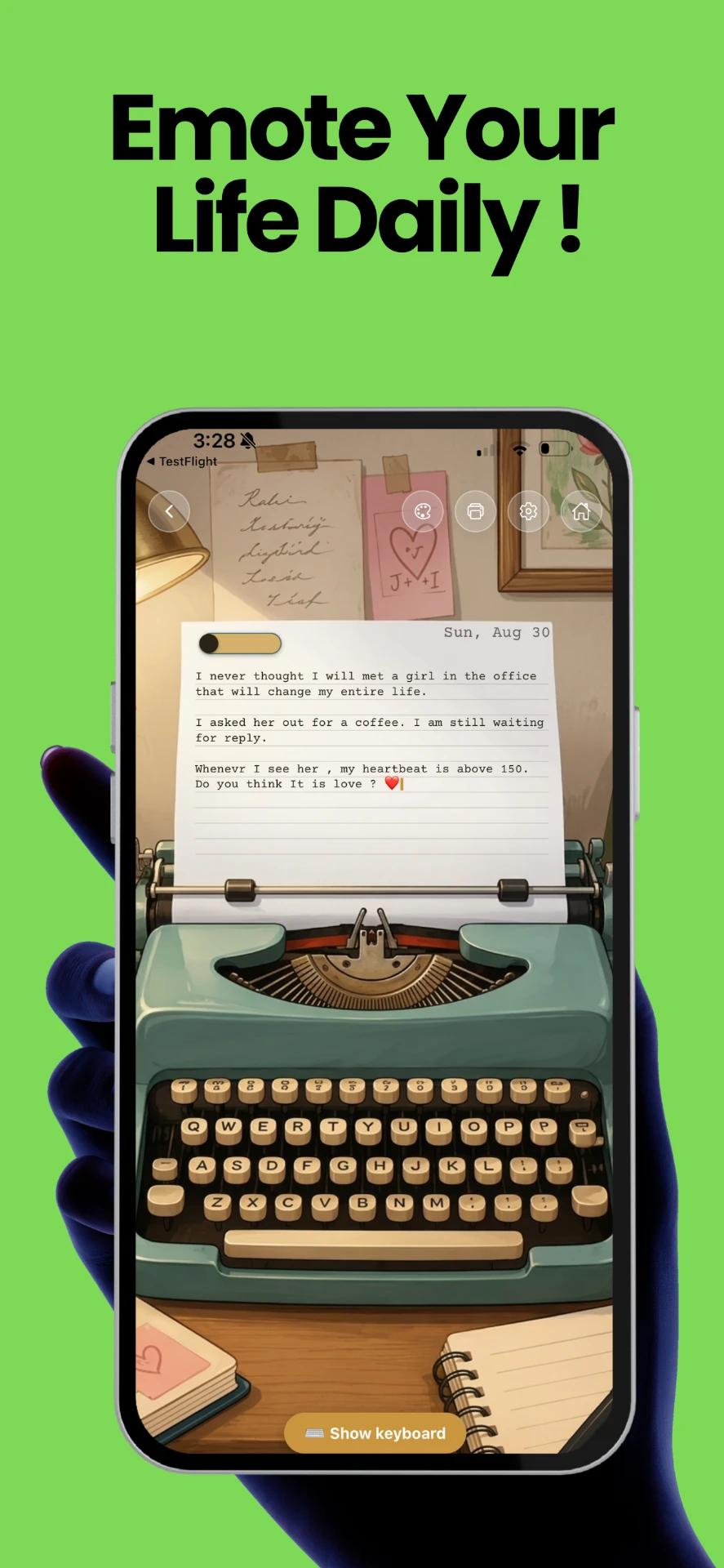
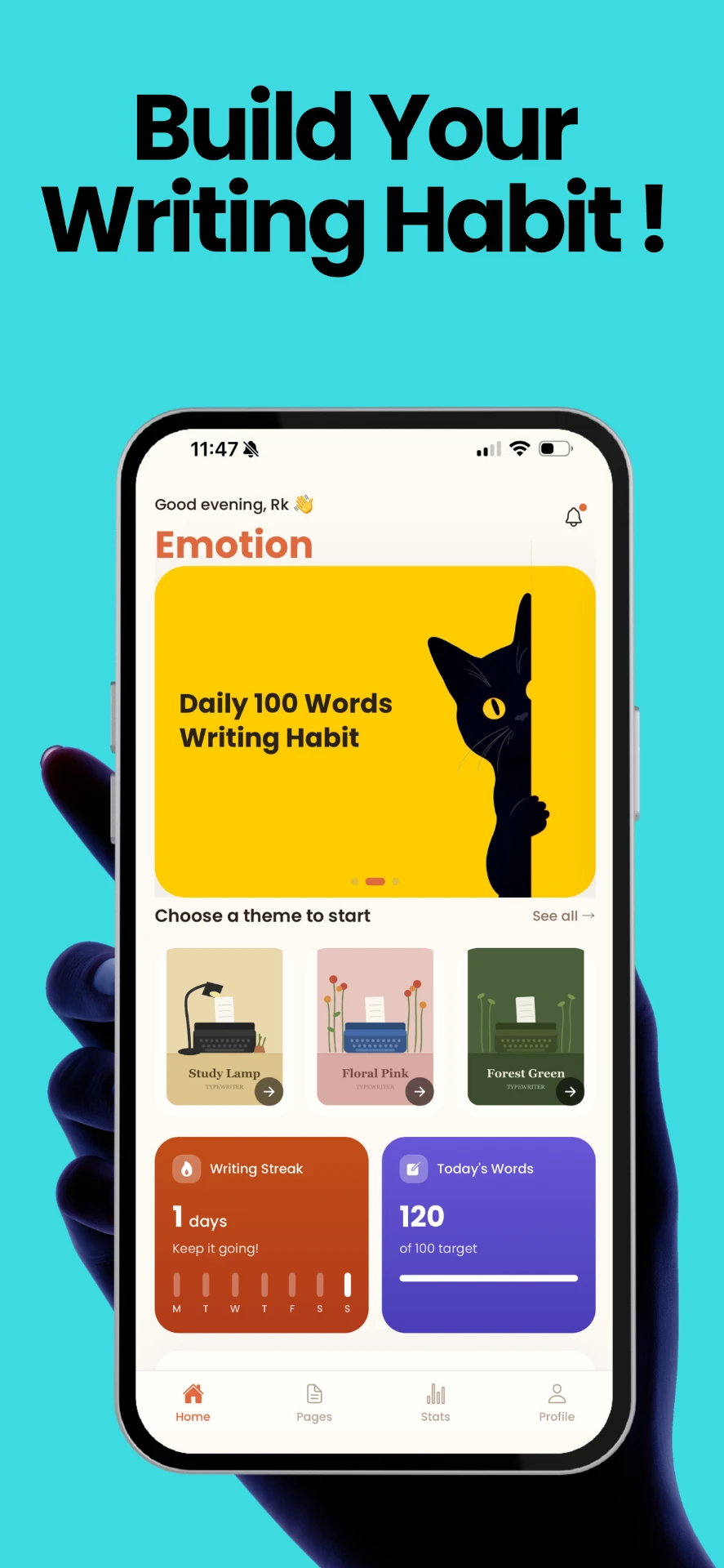
Emotion is a distraction-free typewriter for your thoughts. Pick a vintage typewriter theme, write your daily thoughts with real mechanical keystroke sound, and build a writing habit — completely offline, with no account required.
Three Typewriter Themes
Study Lamp, Floral Pink and Forest Green — each fully illustrated.
Autosave & PDF Export
Pages save as you type, and print to a beautifully styled PDF.
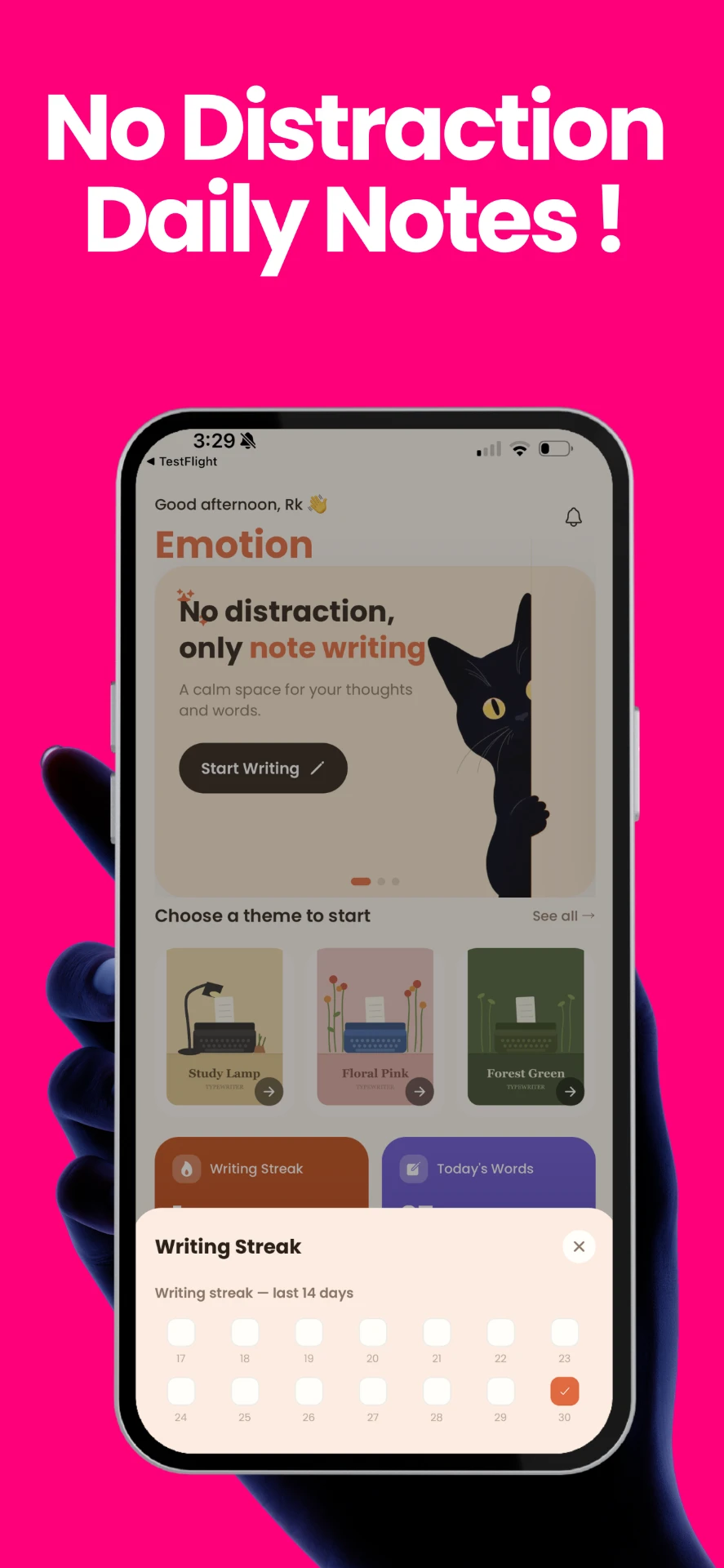
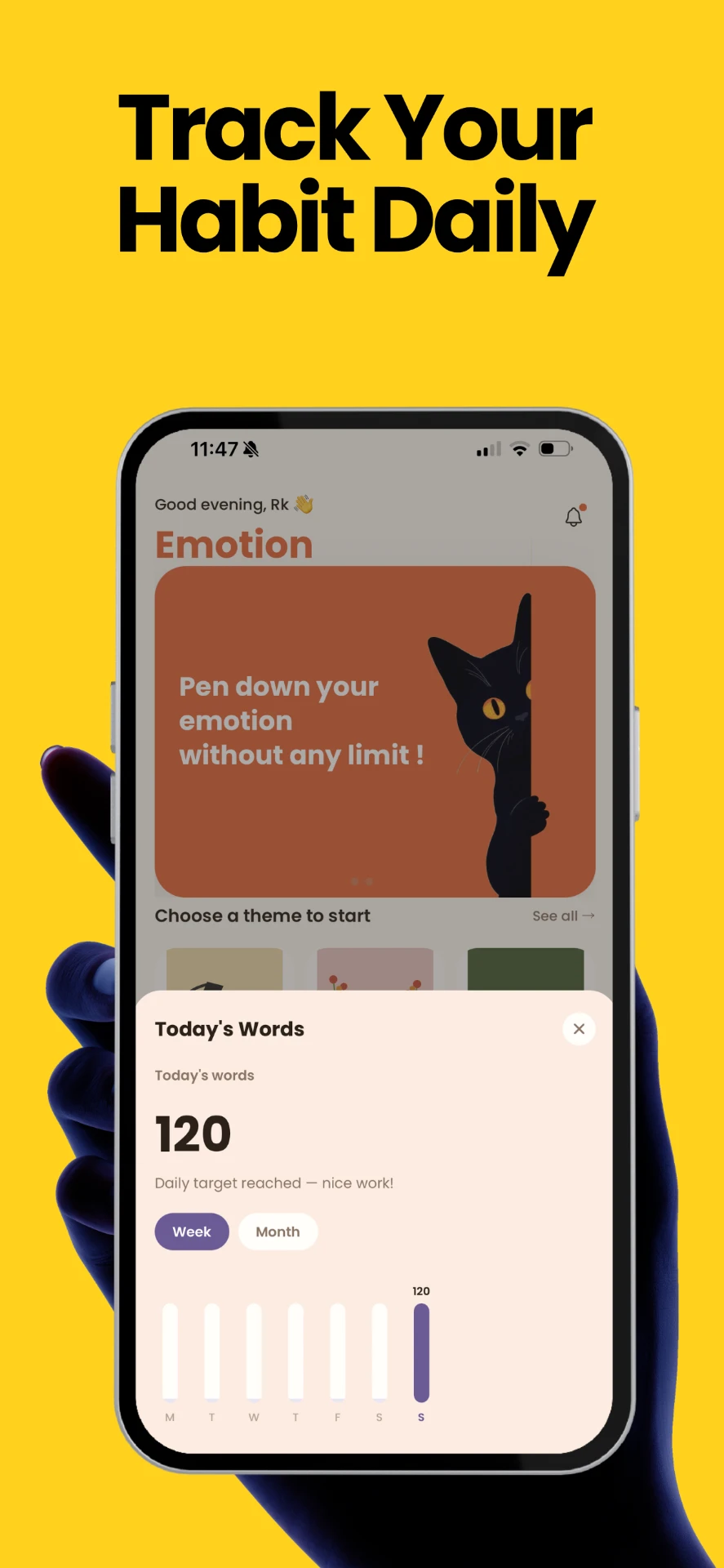
Daily Streak Tracking
A gentle 100-word daily goal that builds a real writing habit.
See it in action
Swipe through a few moments from the app.
Frequently asked
No — everything you write is stored only on your device. There's no account or cloud sync, so if you delete the app or lose your device, your pages go with it. Use the print/export option inside the app to save a PDF copy of anything important.
No. Emotion has no analytics, no tracking, and no server of any kind. Nothing you write or type is ever transmitted anywhere — it's 100% offline by design.
Open the Profile tab in the bottom navigation to update your name, or tap "Log out" there to reset the app back to its very first launch state (onboarding included). Your written pages are not deleted by this.
Open any page in the editor and tap the print icon in the toolbar — it generates a nicely styled PDF you can share, print, or save to Files.
Study Lamp, Floral Pink, and Forest Green — each with its own illustrated vintage typewriter, paper style, and ink color.
Email rishav.unh@gmail.com with details (and a screenshot if you have one) and I'll get back to you.